
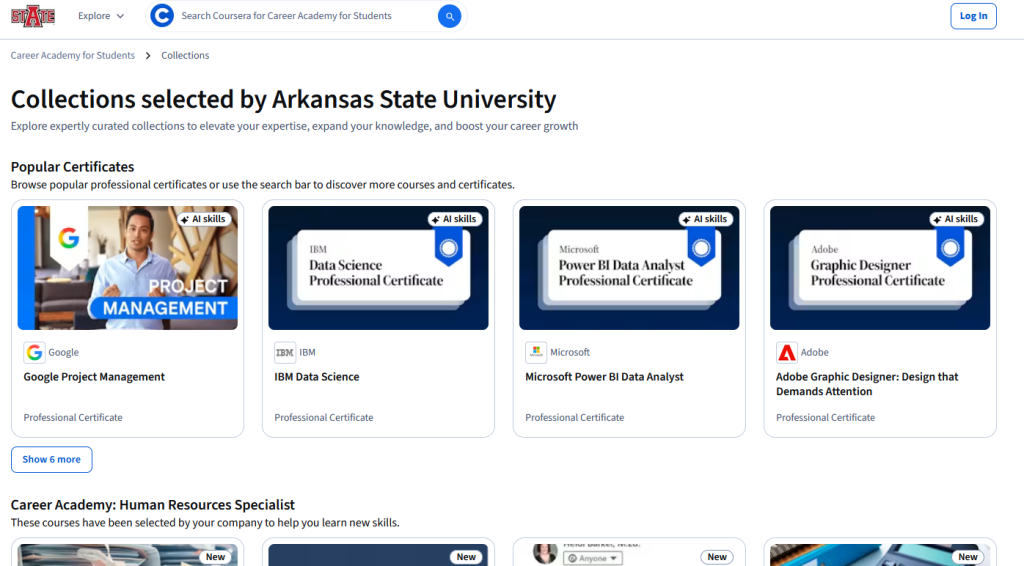
Explore expertly curated collections to elevate your expertise, expand your knowledge, and boost your career growth.
Course Collections selected by Arkansas State University Qatar
Every A-State student with an @smail.astate.edu email address automatically qualifies for the Coursera Career Academy. There’s no invitation to wait for — just follow the steps below to begin.
Step 1: Open the program link.
Visit the Career Academy page and click the Log In button in the top-right corner.
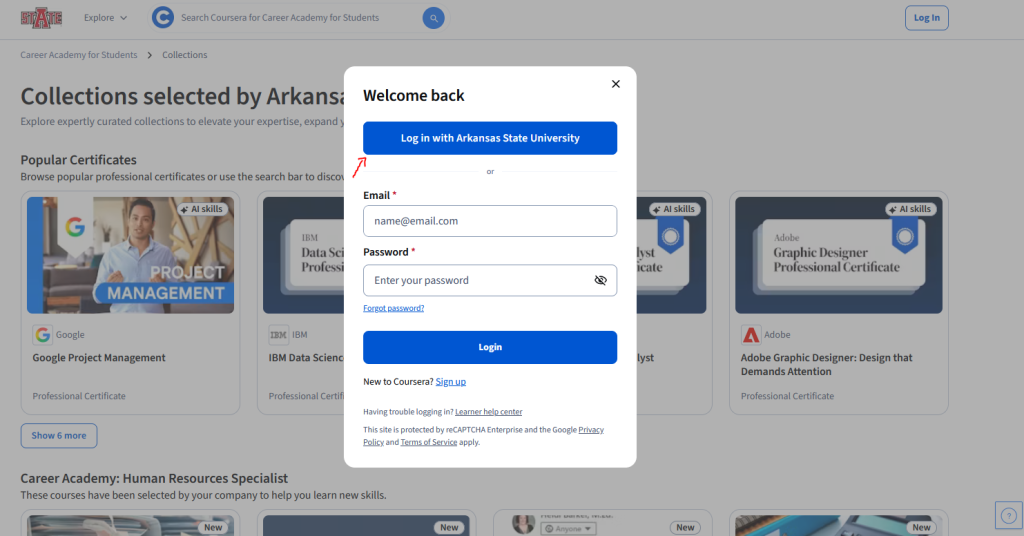
Step 2: Choose A-State SSO login.
Select the Log in with Arkansas State University button to continue.
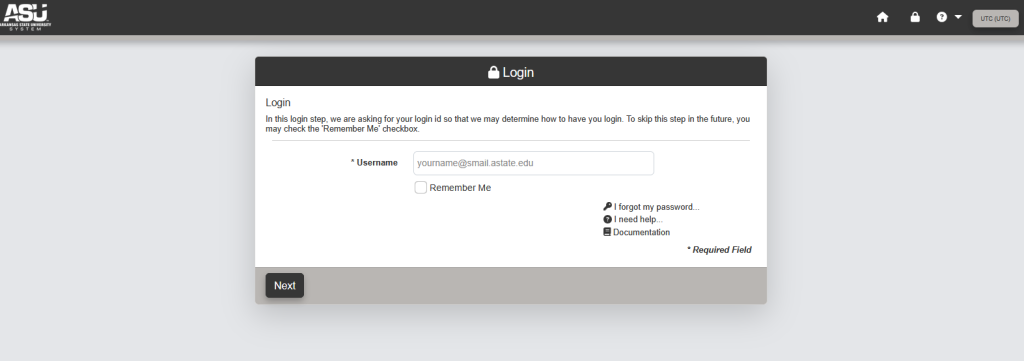
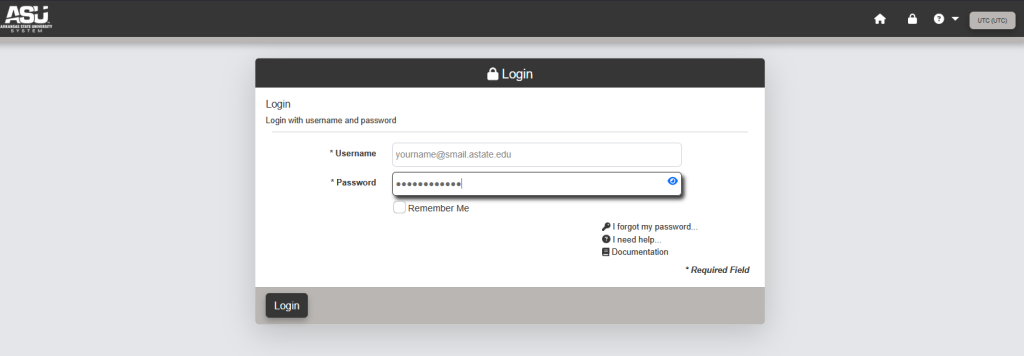
Step 3: Sign in with A-State SSO and Duo.
Enter your A-State credentials, then approve the Duo push notification sent to your phone.
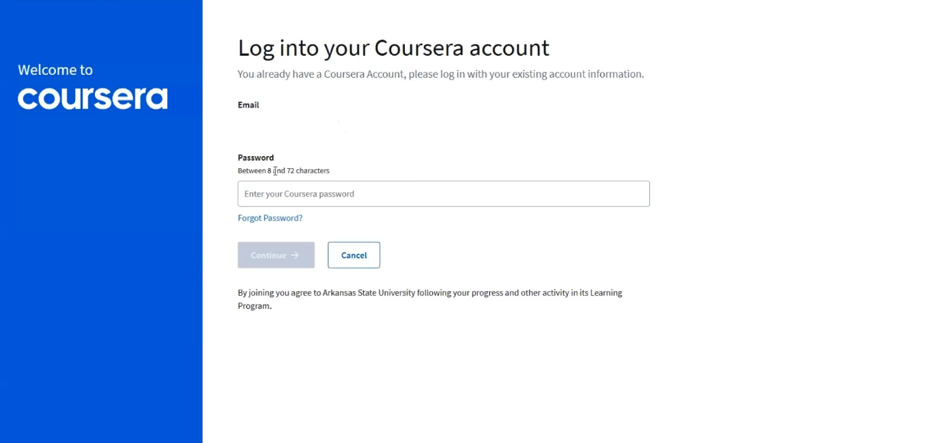
Step 4: Create a local Coursera password.
You’ll be prompted to set up a password specifically for your Coursera account. Your A-State email will already be entered for you. Going forward, you can always sign in through SSO using the same program link.
That’s all it takes. As long as you’re an actively enrolled student, you’ll have full access to A-State’s Career Academy. Dive into the collection and start learning today, No Payment Required!